Smart door lock
Pass holders unlock at the door from the Rivio app
Smart door lock is live: unlock the gym with your Rivio pass
From 22 October 2026, Rivio Partner can connect a studio door (TTLock + Wi‑Fi gateway, or an HTTPS unlock link). Members with an active pass, staff pass, or paid day visit tap Unlock on the studio page — no extra app, no desk wait.
Partners open More → Door Lock Setup, connect TTLock (recommended) or a cloud unlock URL, run Test unlock at the door, then turn on Available for pass holders. Rivio logs every unlock in Recent activity (name, mobile, pass type, distance, IST time). Activity is stored on Rivio’s servers, not on the lock vendor. Staff passes can unlock outside public hours when you restrict members to opening hours. Setup guide: rivioapp.com/help/smart-door-lock/
- Recommended: TTLock app lock + Wi‑Fi gateway (e.g. G2) on gym Wi‑Fi
- Or HTTPS unlock link for relays / access controllers (e.g. Shelly)
- Test unlock required before members see Unlock (safe go-live gate)
- Member Unlock on the studio page within ~50 m of the door
- First unlock of the day can mark attendance for pass holders
- Partner Recent activity: who unlocked, pass type, full mobile, distance
- Manage screen after setup: status, toggles, Edit lock, activity
In the app
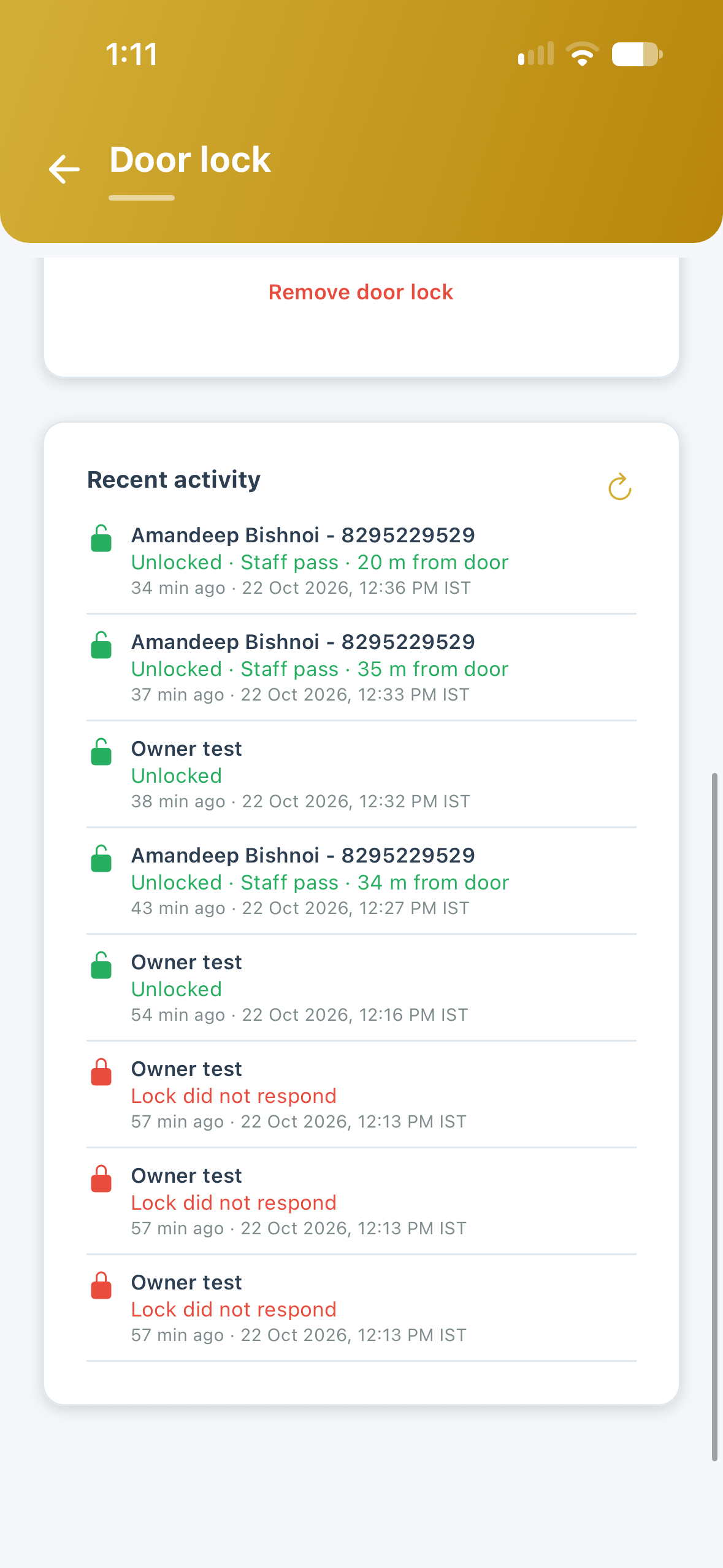
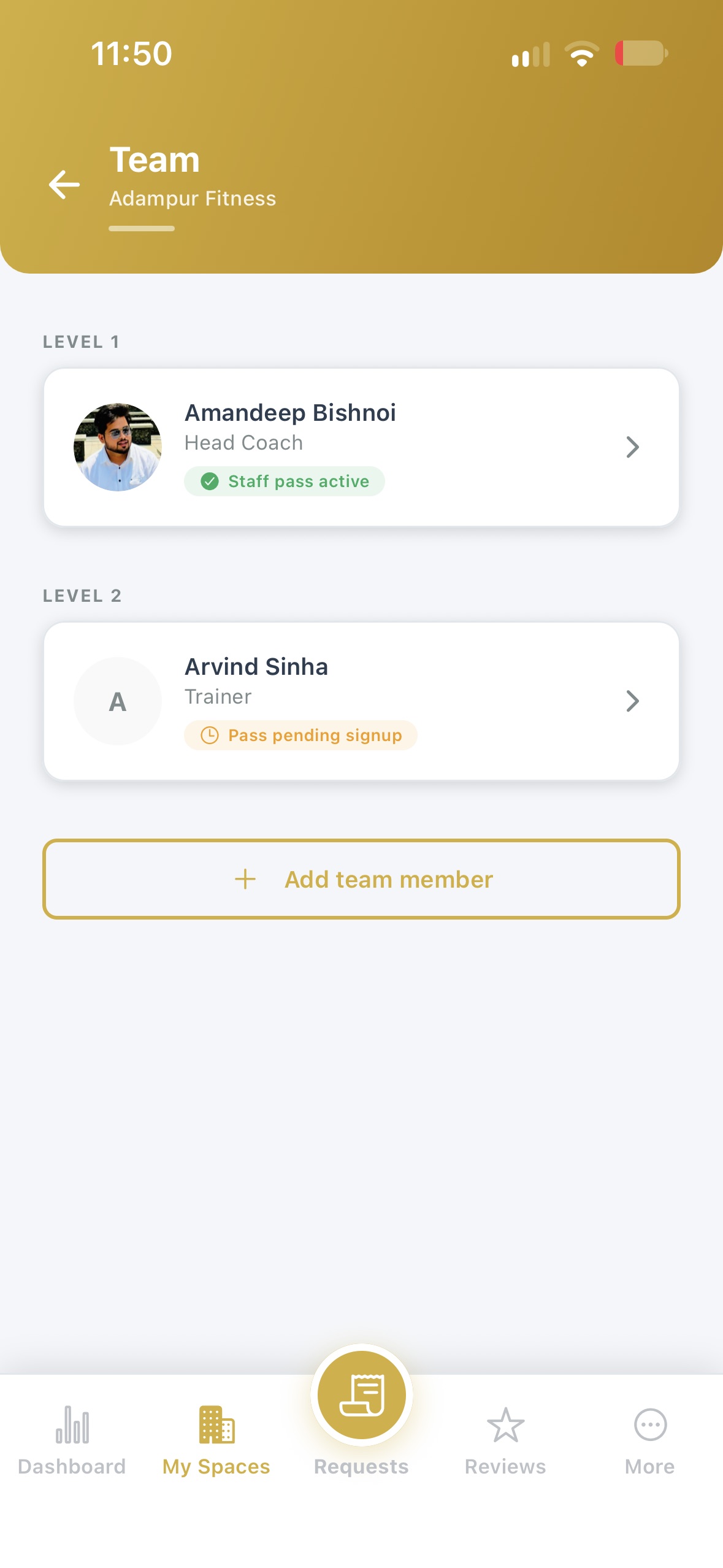
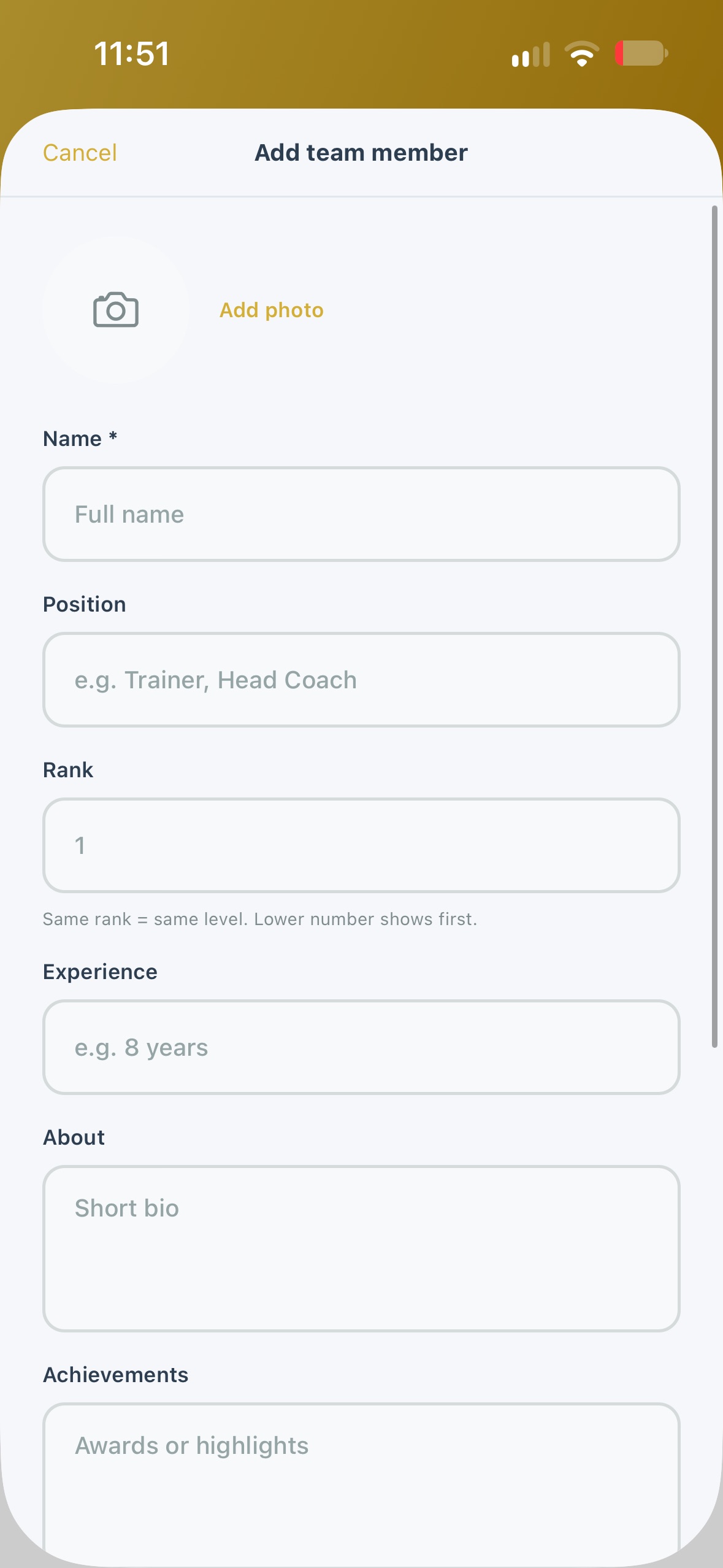
Partner · Door Lock Setup 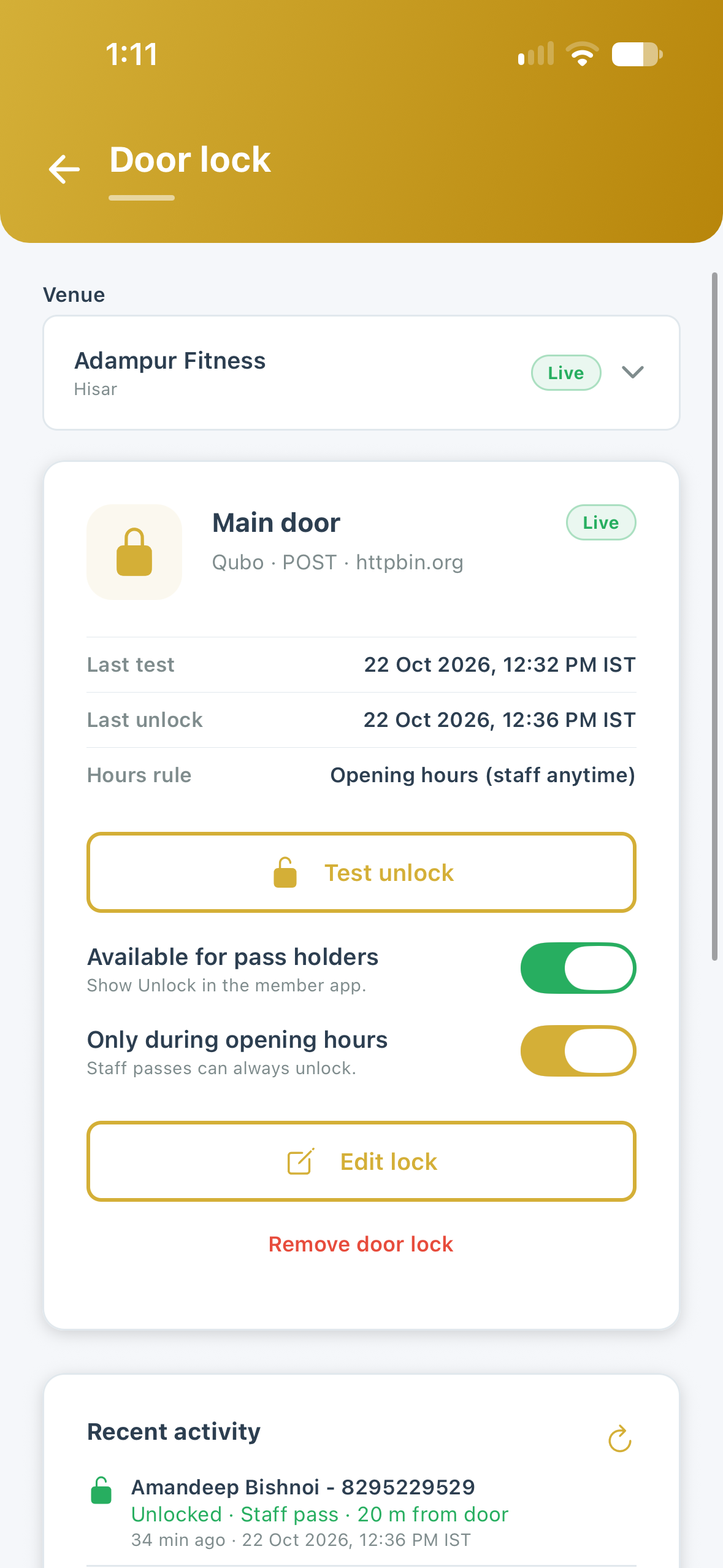
Partner · Manage & activity 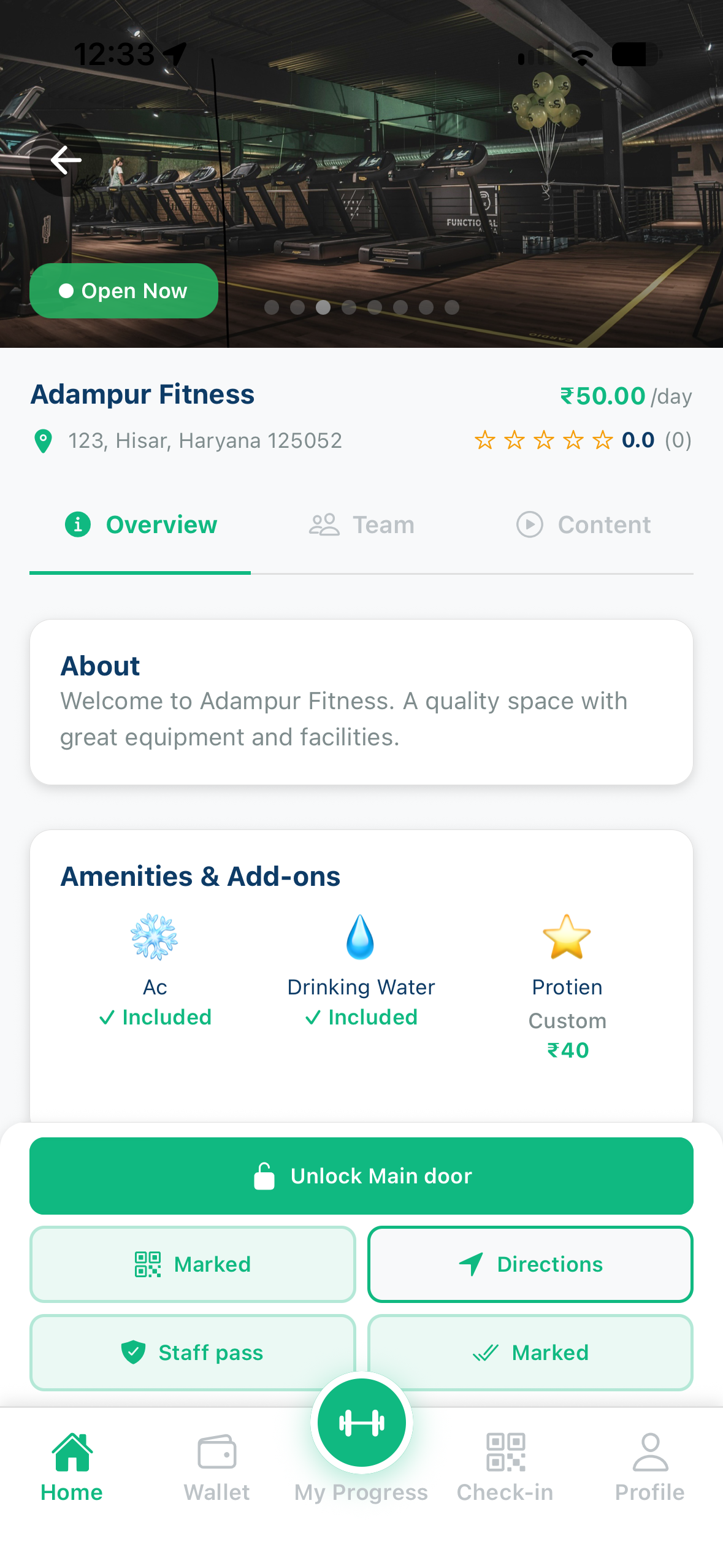
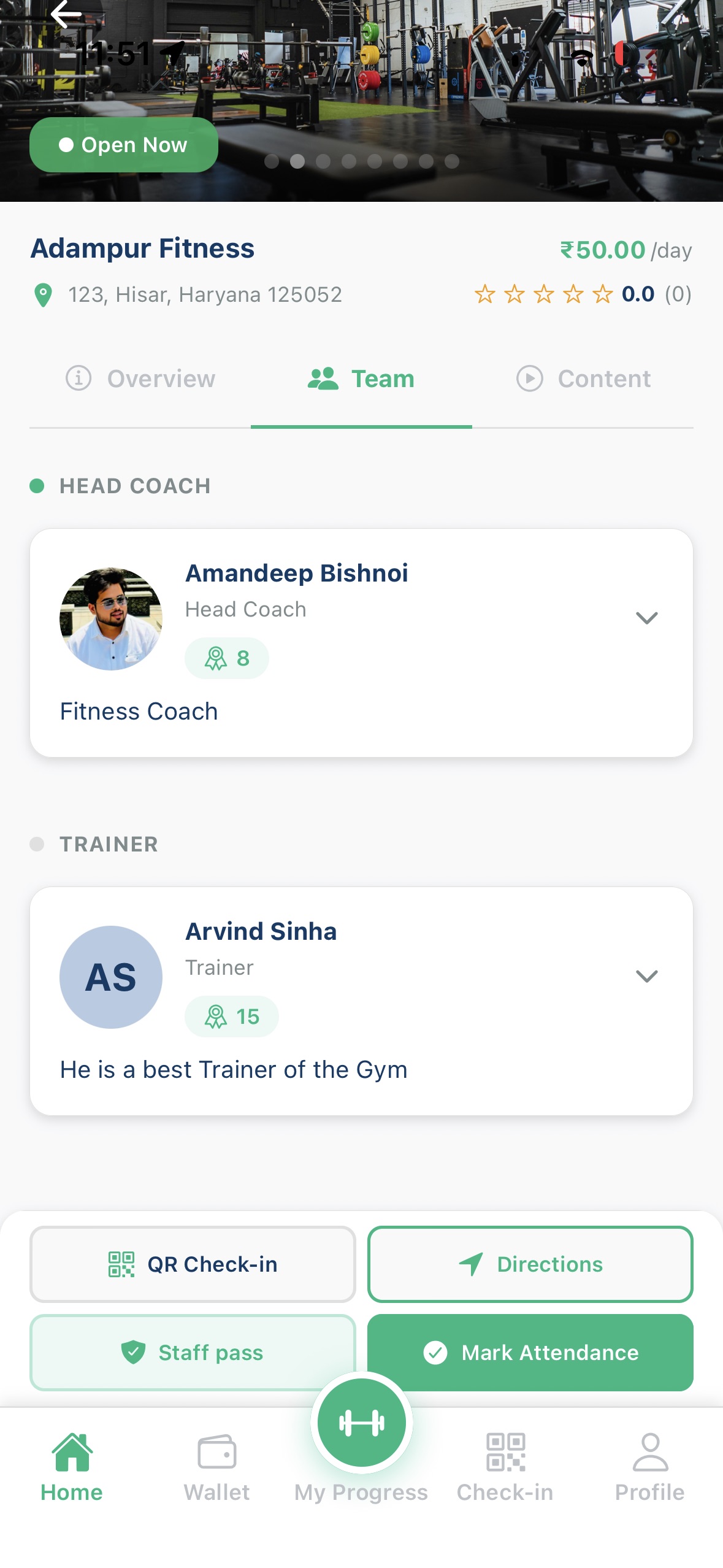
Member · Unlock 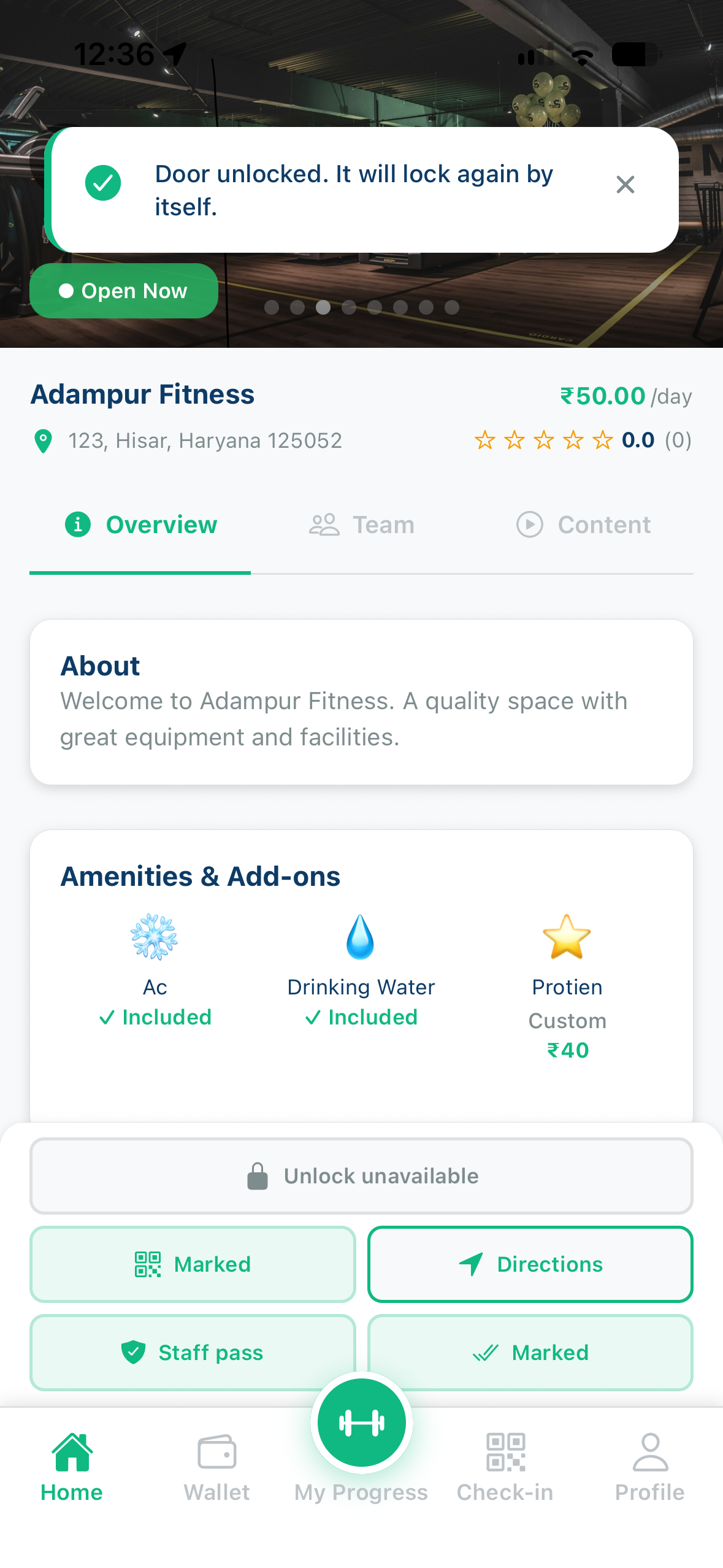
Member · Near the door
What's next
Full partner FAQ under Door Lock in Help & Support. Step-by-step: https://rivioapp.com/help/smart-door-lock/. Questions: partners@rivioapp.com.

Rivio: Gym, Yoga & Sports
For members. Pay per day, check in with QR.
Rivio: Partner & Business App
For venues. See visits and payouts in one place.